
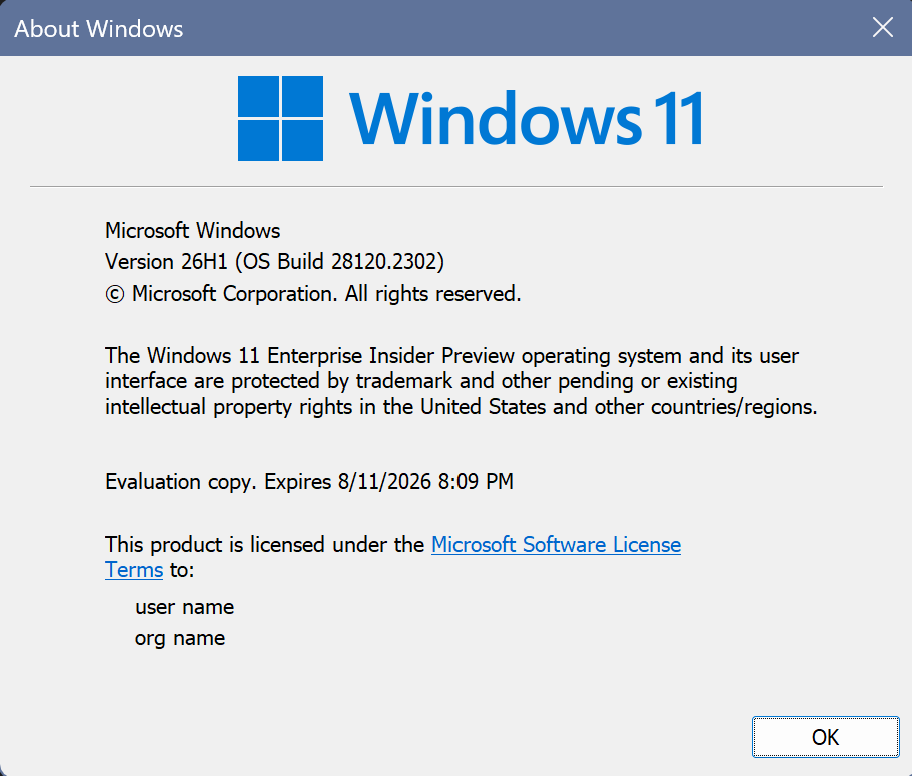
Hi all, last Friday Microsoft released Windows 11 Insider Build 28120.2302 to the Experimental (26H1) channel.
A few tweaks on this update, install went smoothly on my devices in this channel, Happy Upgrades!
I’ve been testing the screen tint accessibility feature, it’s very useful !
Changes and improvements gradually being rolled out
- This update includes a small number of minor bug fixes and improvements.
[General Performance]
- This update accelerates app launch and core shell experiences such as Start menu, Search, and Action Center.
[Accessibility]
New accessibility setting: Screen tint
- We’re introducing screen tint, a new accessibility setting that applies a color overlay across your entire display, softening its intensity so it’s easier on your eyes throughout the day. If bright, saturated screens leave you with tired or sensitive eyes by the end of a long session, screen tint can help.
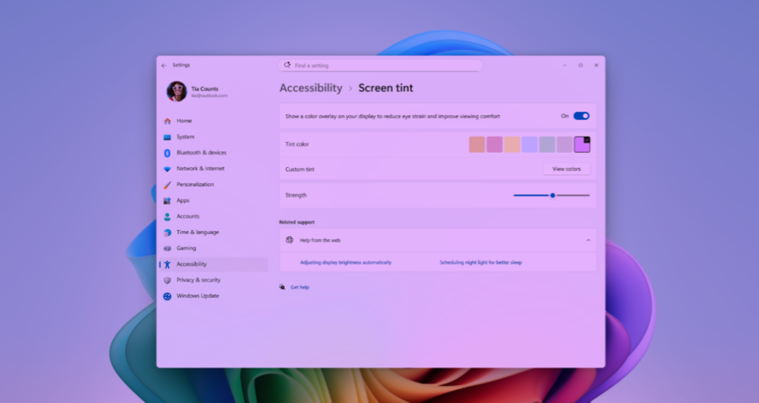
- To get started, open Settings > Accessibility (or press Win + U) and look for screen tint under the Vision section. From there you can:
- Pick from six preset colors or choose a custom color of your own.
- Adjust the tint strength slider from a subtle wash to full intensity.
- Night light warms your display to reduce blue light that can interfere with sleep. Screen tint reduces overall screen intensity to ease eye fatigue and light sensitivity during the day. They tackle different problems and you can use both at the same time, one working on warmth and the other on intensity.
- Note that turning on screen tint will disable color filters, and vice versa. If you currently rely on color filters, you may need to keep screen tint turned off.
Feedback: Share your thoughts in Feedback Hub (WIN + F) under Accessibility > Narrator.
[Other]
- Task Scheduler will now persist column width adjustments in task list view across sessions.
source: Flight Hub