

On Windows 10/11 when memory integrity cannot be switched on due to incompatible drivers, you can use pnputil.exe to remove the affected OEM drivers
Open Windows Security
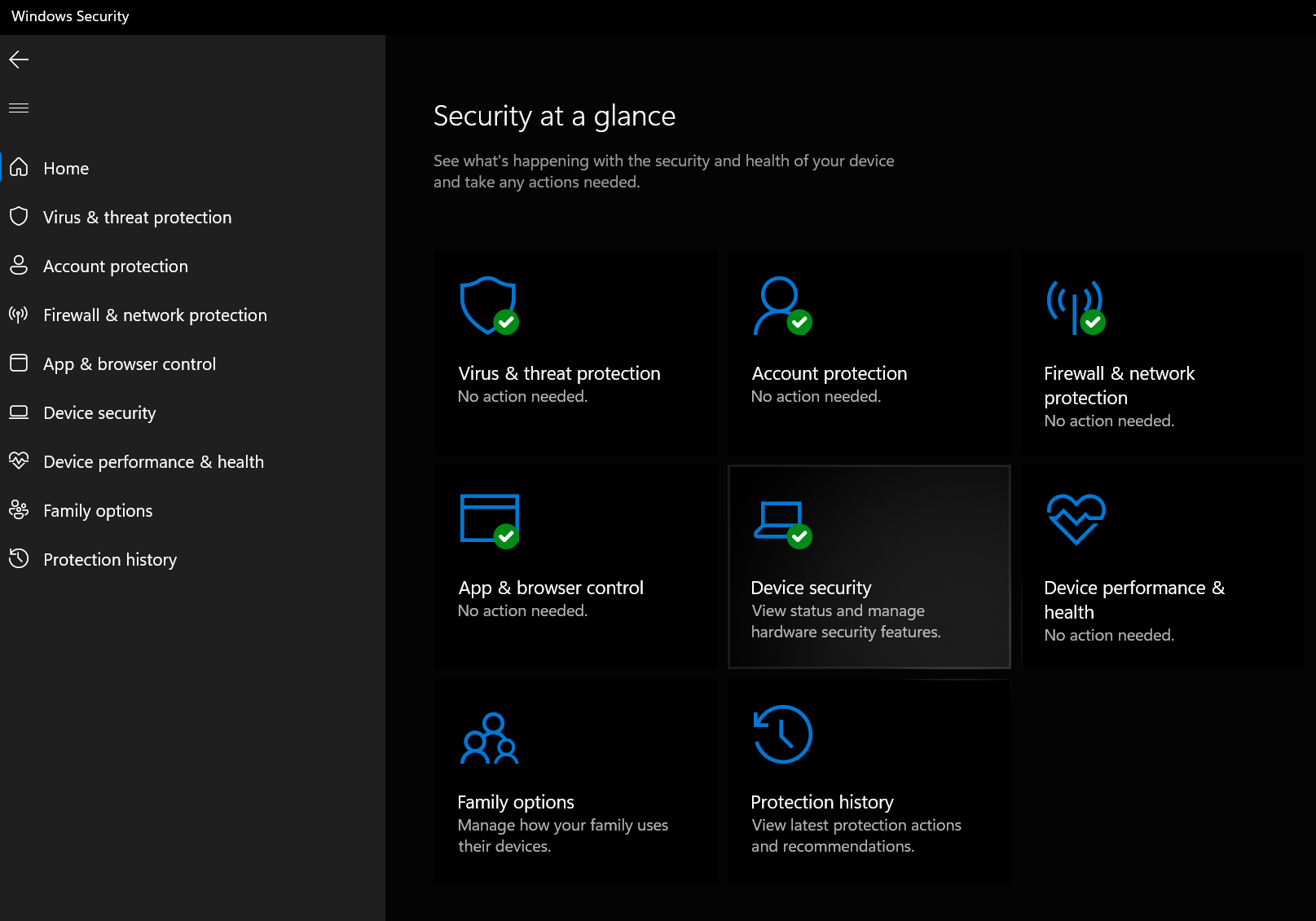
Select Device Security
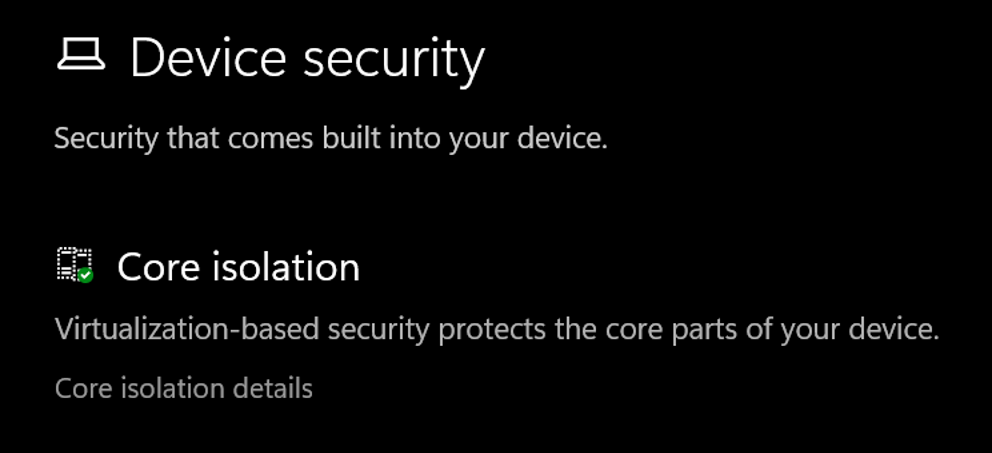
Select the Core isolation details
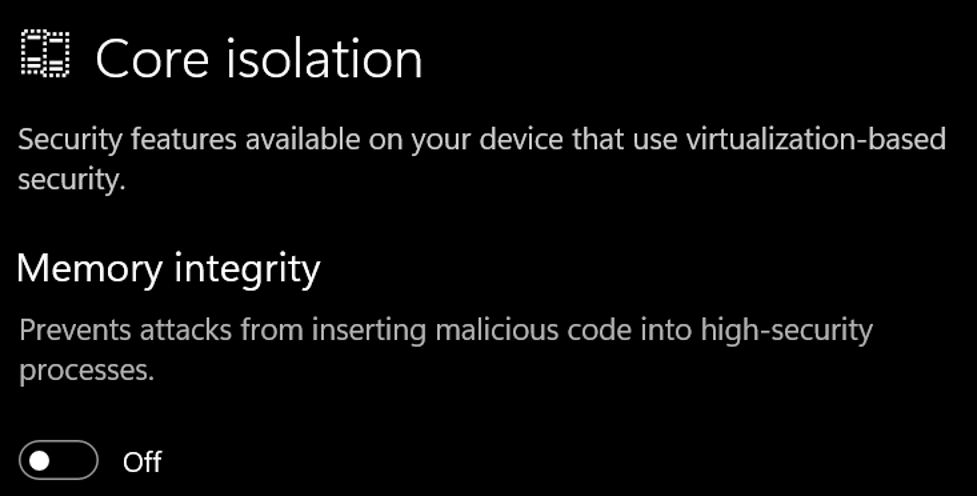
Set the slider to ON to enable core isolation
If any incompatible (old) drivers are on the system, you will get this:
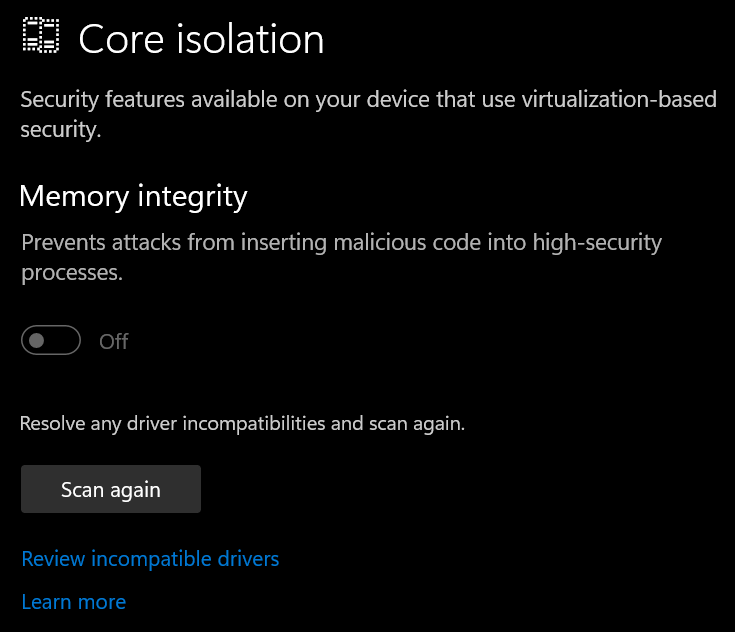
Select ‘Review incompatible drivers’
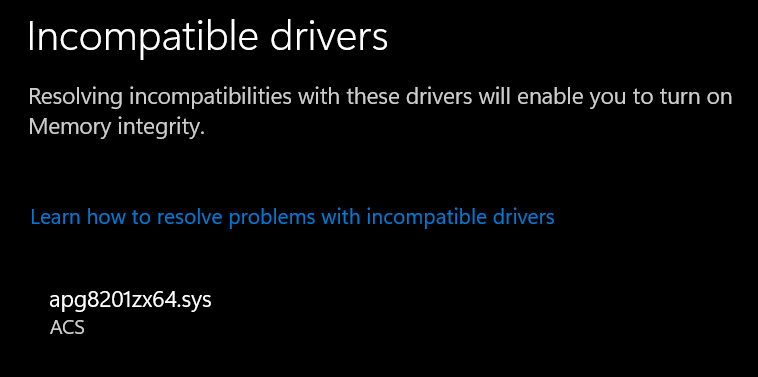
Driver example: apg8201zx64.sys (ACS smart card reader driver) – expand the driver to display the oem##.inf
Open an elevated command prompt & run
pnputil.exe /delete-driver oem##.inf
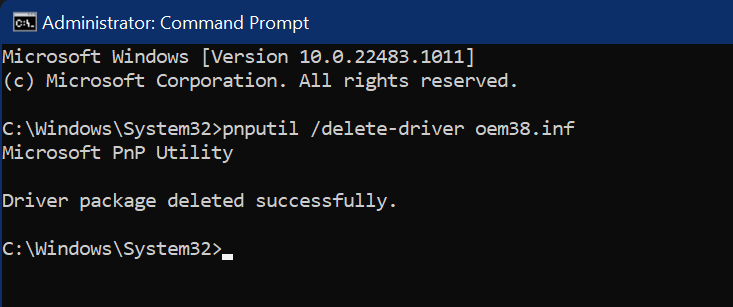
Once successfully removed press the ‘Scan Again’ button in the Windows Security app
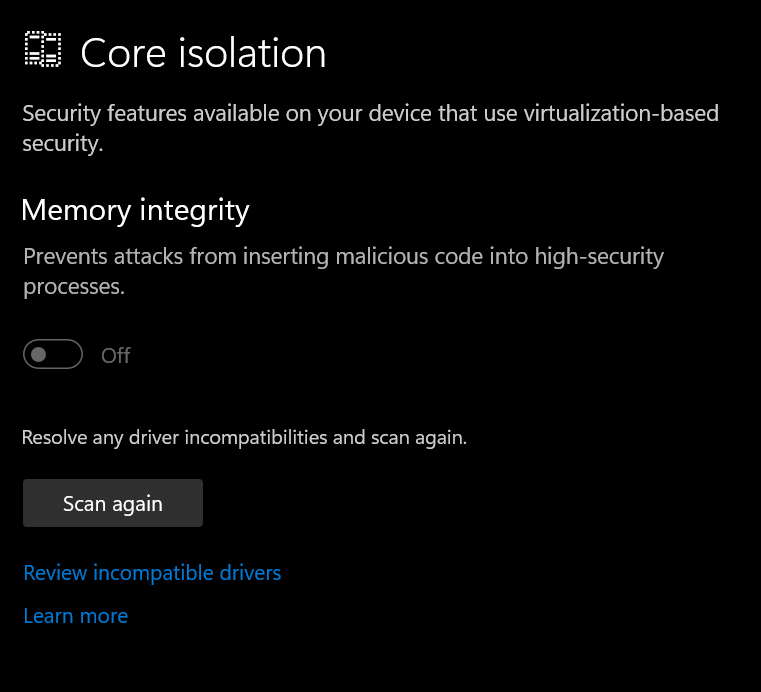
If no more incompatible drivers are found you will be able to use core isolation (after a restart)
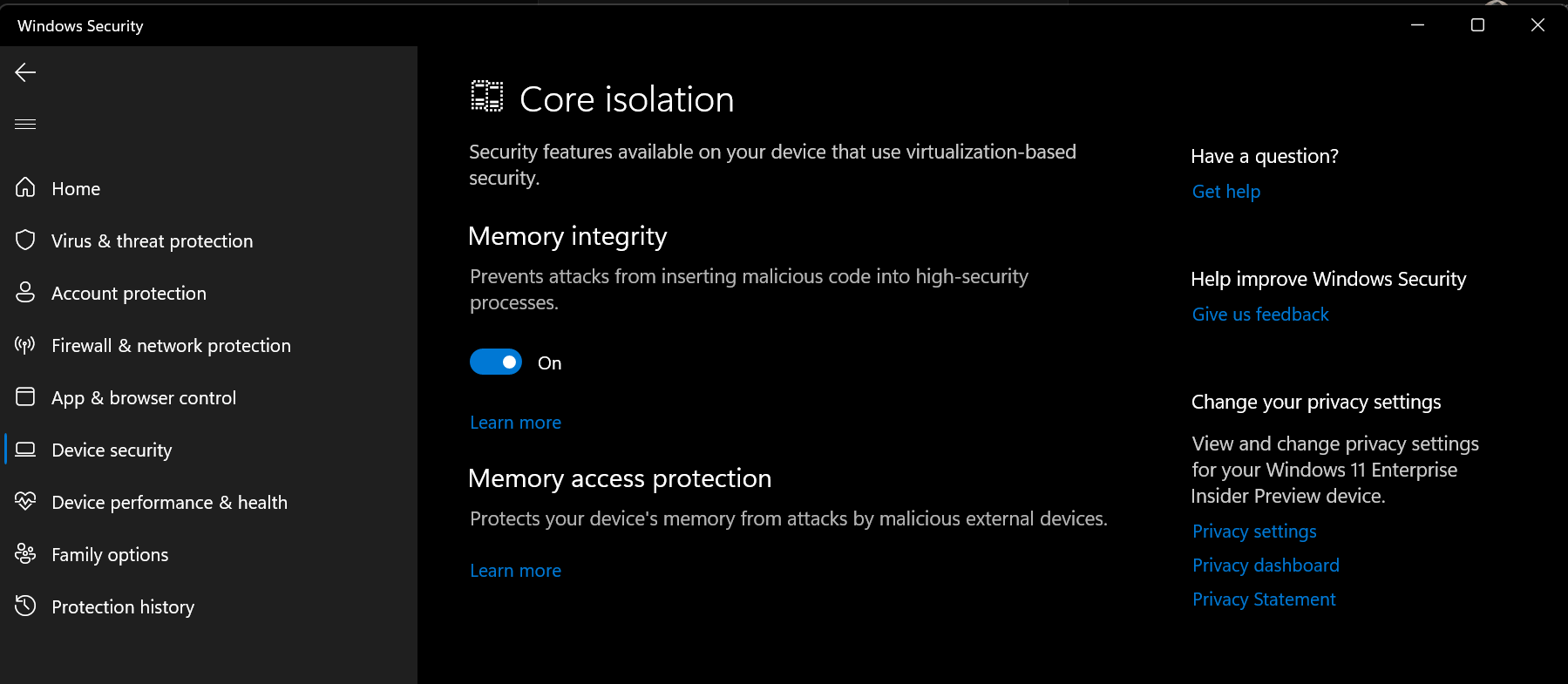
Reboot the device & verify the setting is now on
Troubleshooting tips:
In case you run in to an exception causing your device to bluescreen after turning on this option, you can reboot into safe mode & run this command to turn it off again:
reg add "HKLM\SYSTEM\CurrentControlSet\Control\DeviceGuard\Scenarios\HypervisorEnforcedCodeIntegrity" /v "Enabled" /t REG_DWORD /d 0 /f




2 comments
Running the utility did not delete the questionable driver oem60.inf so memory is still unprotected. Now what?
https://gyazo.com/eb18774acaa8152f8ca1f4e4d623c52f
this is the driver in question, can I safely delete the folder. I run windows 11 64bit
Author
Hi Cee,
Deleting the driver folder alone will not resolve the issue. It’s important to uninstall the driver using pnputil so that the driver is properly deregistered from Windows.
If the driver removal failed with a message indicating that the driver is currently in use, we’ll need to identify the device and look for an updated driver. In your screenshot, I can see that the .inf file dates back to 2017, which suggests a newer version may be available.
You can open oem60.inf in Notepad to identify the associated device driver. Once you’ve determined which device it belongs to, check the vendor’s website for an updated version, install it, reboot and then try turning on memory protection again.