
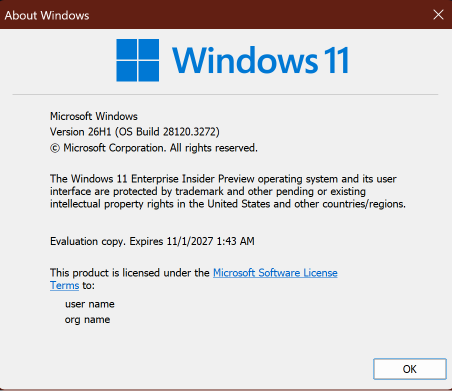
Hi all, last Friday Microsoft released Windows 11 Build 28120.3272 to the Experimental (26H1) Channel.
Some nice accessibility updates in this build make sure to test them out.
Enjoy Upgrading!
Changes and improvements gradually being rolled out*
- This update includes a small set of general improvements and fixes that improve the overall experience for Insiders running this build on their PCs.
[Search]
- Search home has been simplified to reduce visual clutter and make it easier to get back to recent searches quickly.
- Search does a better job showing where a result comes from, whether it’s an app, setting, file, web result, or Store suggestion, so it’s easier to tell what you’re looking at and where you’ll go before you click.
- A new setting in Settings > Privacy & security > Search lets you choose whether web and Microsoft Store suggestions appear alongside local results.
[Pointer Indicator]
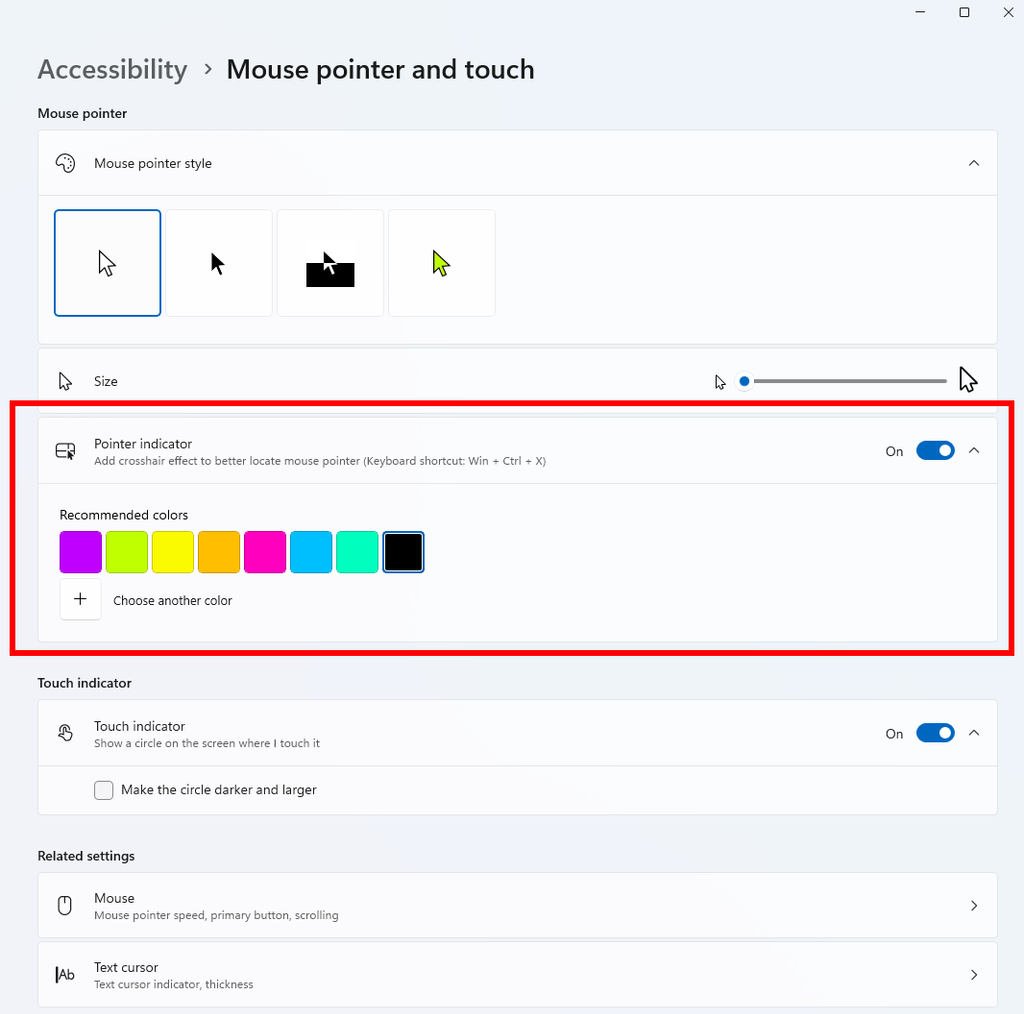
- We’re introducing the Pointer Indicator accessibility setting. This feature enables Windows users with low vision to easily locate and use their cursor to increase productivity and efficiency when using a Windows device.
- To enable this experience, go to Settings > Accessibility > Mouse pointer and touch, and enable the Pointer indicator setting. You can also search for the setting by name. When the setting is enabled, you can toggle it on or off with the keyboard shortcut, Windows logo key + Ctrl + Shift + X.
[Live Captions]
- We’re improving Live Captions with a new Include Screen Reader audio setting, which is off by default. With the setting off, Live Captions won’t transcribe audio from screen readers such as Narrator, JAWS, and NVDA, keeping captions focused on microphone and system audio.
[Settings – Privacy & security]
- The improved Privacy & security page in Windows Settings helps you find the Camera, Microphone, and Location privacy controls more easily. It groups similar controls across the page and brings usage information from deeper linked pages onto this page.
[Family Safety]
- Improved family safety messaging when applications are blocked because of age-restricted parental controls.
[Other]
- Fixed an issue with
msmpeg2ac3dec.dllwhich was leading to some apps and games crashing recently.
source: Flight Hub