
Hi all, last Friday Microsoft released Windows 11 Build 29585.1000 to the Experimental (Future Platforms) Channel
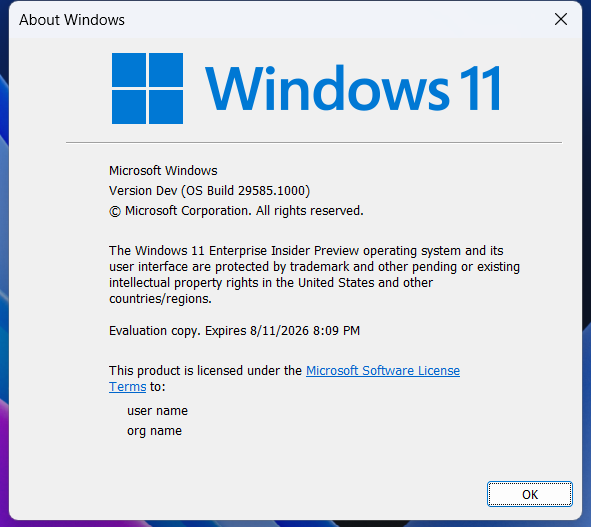
Upgrades went fine on my devices in this channel, one strange thing happened the next day when I resumed one of them a window popped up the Dev Home needed to be updated, even though it’s not installed on the device.
Happy Upgrades!
Changes and improvements gradually being rolled out*
- This update includes platform changes in moving to a new active development build.
[Print Drivers]
- The Internet Protocol Print driver (prnms012) has new hardware IDs (HWIDs) in preparation for upcoming changes in printer driver ranking order. See our third-party driver deprecation timeline: End of Servicing Plan for Third-Party Printer Drivers on Windows – Windows drivers | Microsoft Learn.
[Touch Keyboard Experience for Voice Typing]
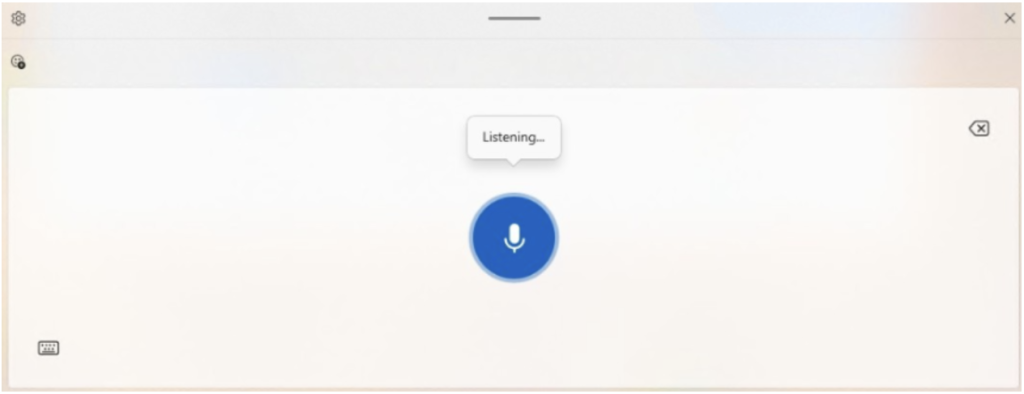
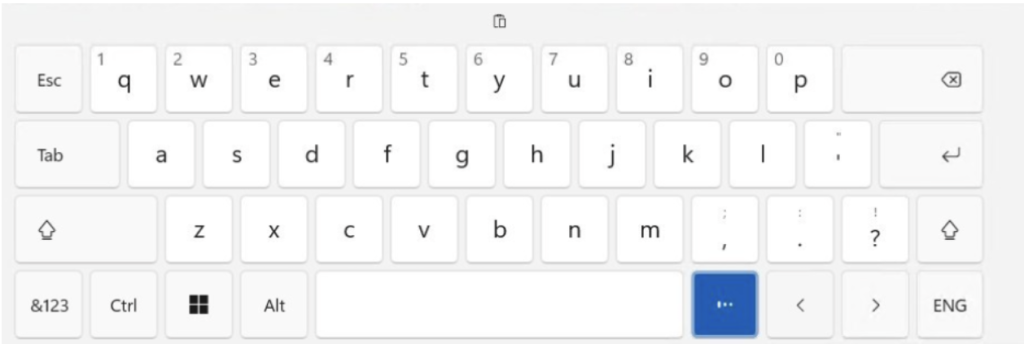
- We’re updating the experience when you use voice typing with the touch keyboard to make it feel more streamlined and intuitive. The new design removes the previous full‑screen overlay and instead shows voice typing animations directly on the dictation key, helping you stay focused on what you’re doing without extra visual distractions.
Before the update:
After the update:
Feedback: Please share your feedback in Feedback Hub (WIN + F) under Input and Language > Voice Typing (Windows key plus H).
[Administrator Protection]
- Improved reliability of Japanese IME usage when Administrator Protection is enabled.
[Other]
- Fixed an underlying issue impacting persistence of sign in state for certain apps after the latest Canary flights.
source: Flight Hub