
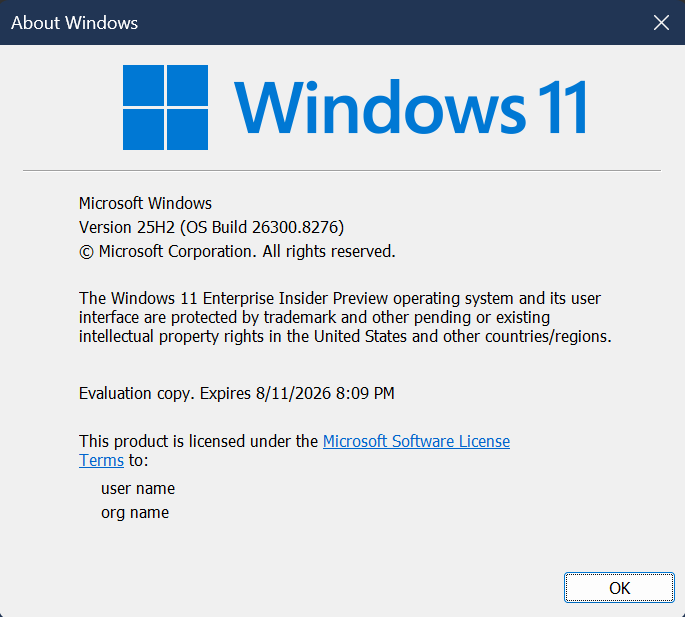
Hi all, last Friday Microsoft released Windows 11 Insider Preview Build 26300.8276 (KB 5083726) to the Dev Channel.
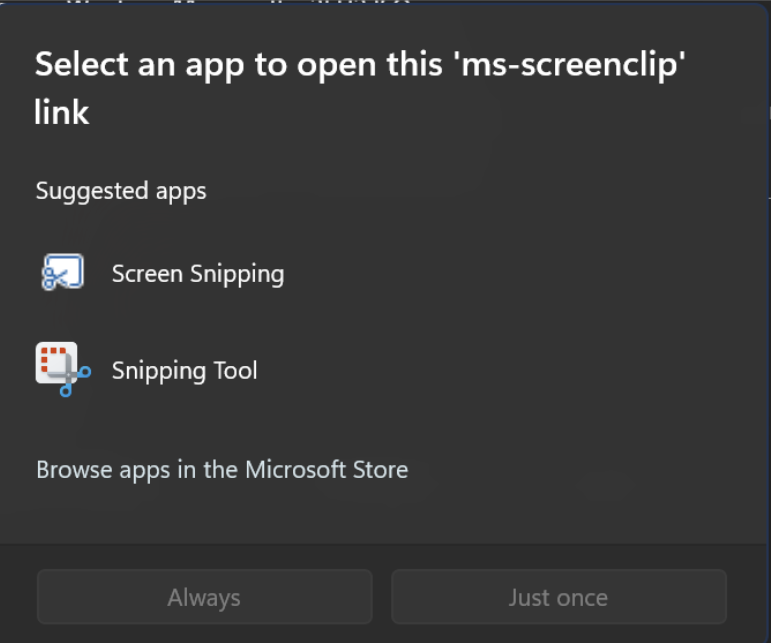
Last week I reset a couple of devices with the 25H2 recovery image, after upgrading to Dev Channel, using Windows key + Shift + S to grab a screenshot, app picker showed up to select screen snipping or snipping tool to do the job (Feeback Hub: https://aka.ms/AA10nbq2
The Clipboard history improved response is great it has become really snappy 😍
Changes and Improvements gradually being rolled out with toggle on*
[Settings]
- Based on feedback, we’re providing clarity regarding location options in Settings > Privacy & Security > Location. When Location services is turned off, options like Default location and Allow location override are unavailable because apps and services aren’t receiving location info. To make that clearer, these options will now appear disabled (greyed out) until Location services is turned back on.
- We have improved the reliability of navigating to Settings > Apps > Installed apps.
[File Explorer]
- We have updated iconography placement in the File Explorer search box to be more consistent across different PCs.



- Improved File Explorer reliability.
- Improved navigation pane usage for Voice Access users.
[Windows Hello]
- Improved reliability and performance of Windows Hello fingerprint after your PC wakes from sleep.
[Input]
- Improved performance of opening clipboard history.
[Fonts]
- We’ve made some font improvements, including updating the Leelawadee UI font family for the Thai, Lao, Khmer, and Lontara scripts to help improve glyph sequencing, positioning, and rendering for these scripts.
source: Windows Blogs