
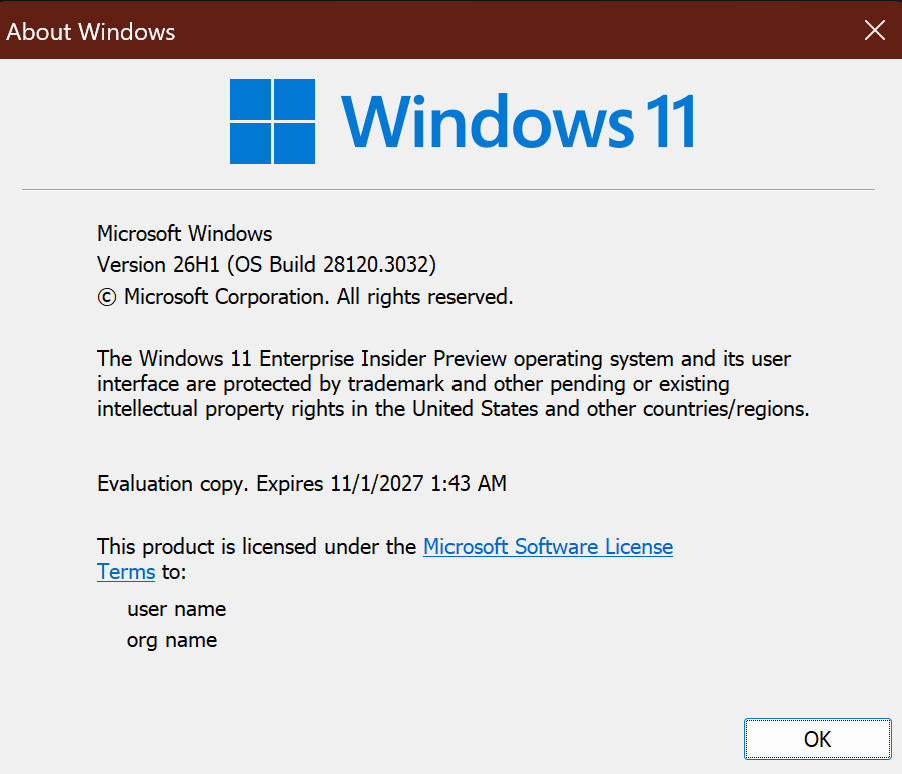
Hi all, last Friday Microsoft released Windows 11 Build 28120.3032 to the Experimental (26H1) Channel
Changes and improvements gradually being rolled out
- This update includes a small set of general improvements and fixes that improve the overall experience for Insiders running this build on their PCs.
[Windows Recovery]
- We’re introducing Cloud rebuild, a new recovery option that restores a Windows 11 PC to a clean, known-good state by performing a full OS reinstall, even when Windows won’t boot. Unlike Reset this PC, Cloud rebuild downloads both the target Windows image and the device’s drivers from Windows Update, so the device comes back fully functional without USB media, without a custom image, and without depending on the health of the currently installed OS.
- In this preview, you can try Cloud rebuild today:
- Start it directly from the Windows Recovery Environment (WinRE) by selecting Troubleshoot > Recovery and uninstall > Cloud rebuild.Connect over wired Ethernet or a Wi-Fi network from within WinRE.Review the target Windows build, edition, and language, then confirm the data-loss warning before the rebuild begins.
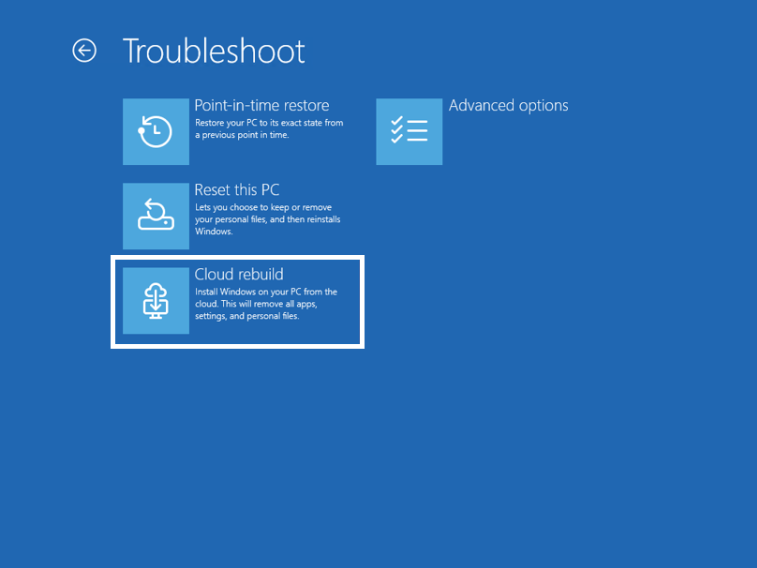
Feedback: Share your thoughts in Feedback Hub (WIN + F) under Recovery > Cloud rebuild.
To learn more, see Cloud rebuild.
[Hyper-V]
- Fixed an issue where some applications that used HCS-managed virtual machines experienced issues when sharing host folders with Linux VMs using Plan9. Folders shared from the Windows host using Plan9 didn’t appear or couldn’t be accessed in the guest environment.
source: Flight Hub