
Hi all, last Monday Microsoft released Windows 11 Insider Build 26300.8935 to the Experimental Channel
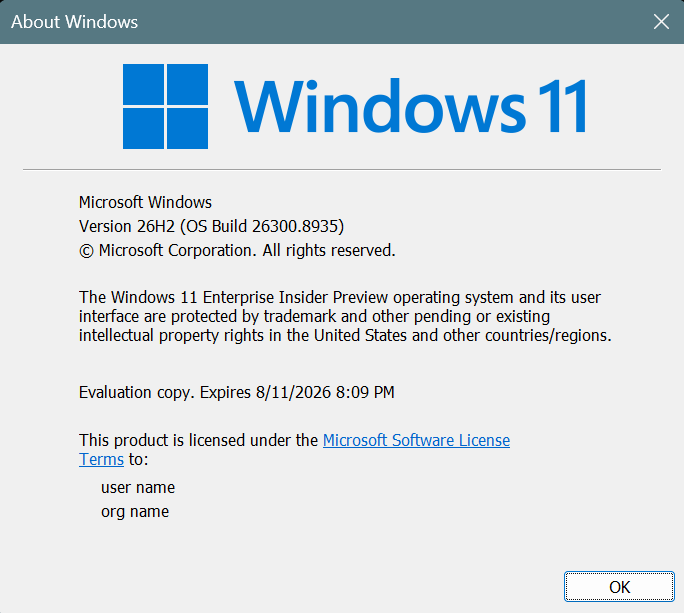
Some nice performance tweaks rolling out in this build, Enjoy Upgrading!
Changes and improvements gradually being rolled out
[File Explorer]
- File deletion in File Explorer is now faster in certain scenarios when deleting large, fragmented files.
- Launching File Explorer Home is now faster and more responsive.
- The Recommended section on Home now supports touch scrolling, making it easier to browse files in the carousel.
[Desktop Background]
- Improved desktop background persistence across multiple scenarios, including when using multiple desktops.
- Made small cosmetic improvements to Settings > Personalization > Background.
[Widgets]
- We’re expanding support for animated icons on the Widgets taskbar entry point. In addition to the animated experiences already available today for Insiders who have dashboard notifications enabled in Widgets Settings, users might begin seeing a broader set of dynamically updated animated content from supported widget providers to make content updates more noticeable and engaging at a glance.
[Windows Update]
- Fixed an issue that could result in recent Insider flights failing to install with error 0xc0000409.
[Run]
- Pressing F4 now expands the suggestions dropdown for command completion when using the new Run design.
[Taskbar]
- Fixed a few small visual issues when using the taskbar in an alternate position.
- Fixed an issue where Notification Center appeared in the wrong location when the taskbar was on top.
[Search]
- Increased the height of the search box by 4 pixels.
[Input]
- Fixed an issue causing the mouse cursor to blink repeatedly for some Insiders after recent flights.
- Improved persistence of mouse cursor size.
- Improved persistence of voice typing settings for automatic punctuation and launcher.
source: Flight Hub