Hi all, last Monday Microsoft released Windows Insider Preview Build 29558.1000 to the Windows 11 Insider Canary Channel on the optional 29500 build series.
More new stuff for the Opt-in Canary channel updates
My Surface 13inch for Business is still having issues with the WLAN autoconfig service, so I upgraded a Surface Laptop 7 to the same build to compare (same Wifi Nic) but so far only repro’s on the 13inch
Happy updates!
What’s new in Canary Build 29558.1000
Changes and Improvements gradually being rolled out with toggle on*
- This update includes platform changes in moving to a new active development build.
[Command Line (Console Host) Improvements]
The Windows Console is part of the open-source Windows Terminal project, receiving updates from its open-source community. With this release, we are bringing all the changes from the open-source project back into Windows.
Most of these updates come from Windows Insiders and community contributors, whose names can be found in the Windows Terminal blog posts on the Windows Command Line Blog.
We are bringing these updates to Windows:
- Optional new Atlas/Direct3D rendering path (UseDx): available behind a registry key (HKCU\Console, DWORD UseDx=1). (GitHub #19848)
- Regular Expression search: the Find dialog now supports regular expressions. (GitHub #17316)
- Bold font rendering: the original rendering engine now supports bold fonts. (GitHub #19441)
- Paste reliability improvement: resolves a longstanding issue where some pasted characters could be dropped when the output code page couldn’t represent them. (GitHub #19511)
- Accessibility improvements: rewritten legacy MSAA integration and parts of UI Automation support. (GitHub #19344)
- Snap-on-input behavior: now only enabled by default when VT processing is enabled.
- More reliable snap on input/output in WSL and PowerShell. (GitHub #19247, #17453)
- Clipboard enhancements: supports OSC 52 (Manipulate Selection Data) for writing selection data to the clipboard. (GitHub #18949)
- Graphical content: adds support for Sixel-based images.
- Alt + Numpad + clipboard text fix: avoids mistranslating Codepage 936 text when generating Alt + Numpad events for clipboard content. (GitHub #17635)
- Performance: scrolling text performance improvements (up to ~10x in some scenarios). (GitHub #16333)
- Rectangular selection: fixes rectangular copy via Edit > Mark. (GitHub #16197)
What you’ll see:
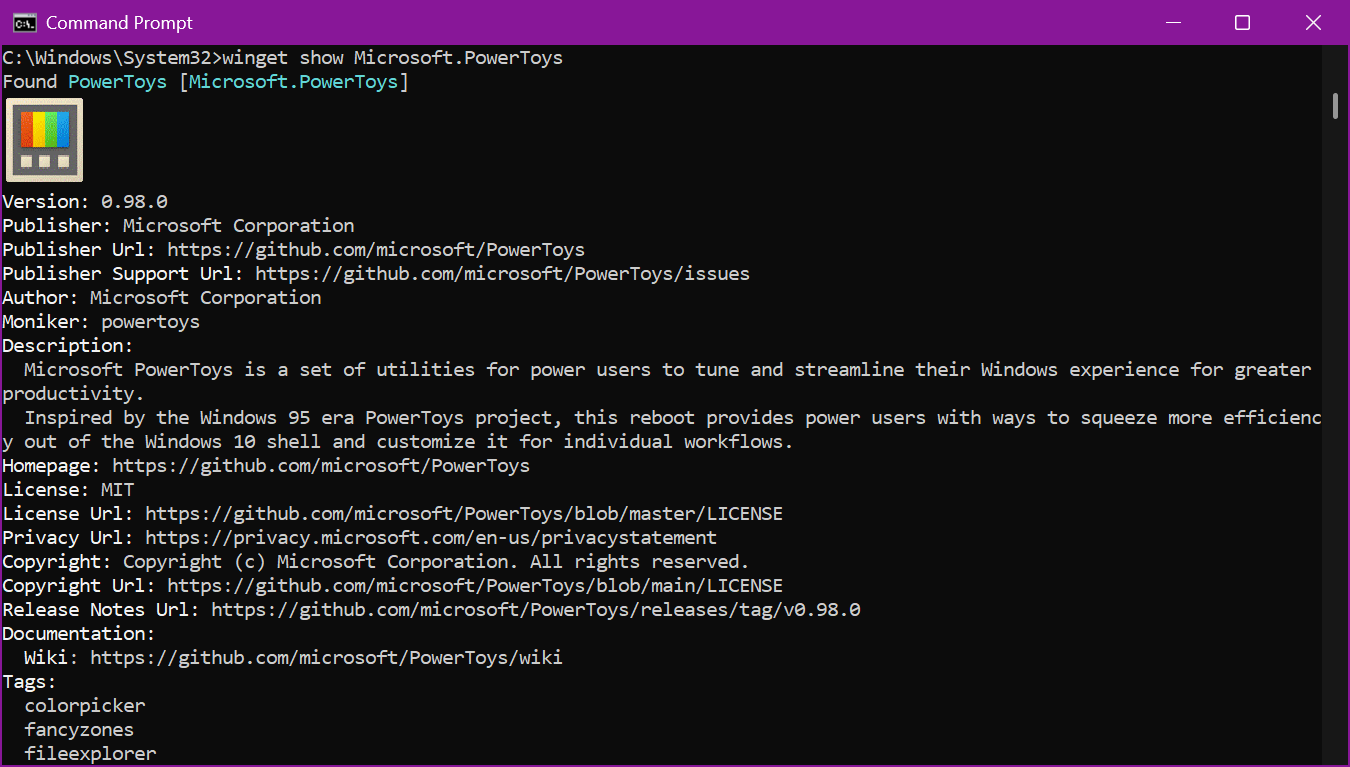
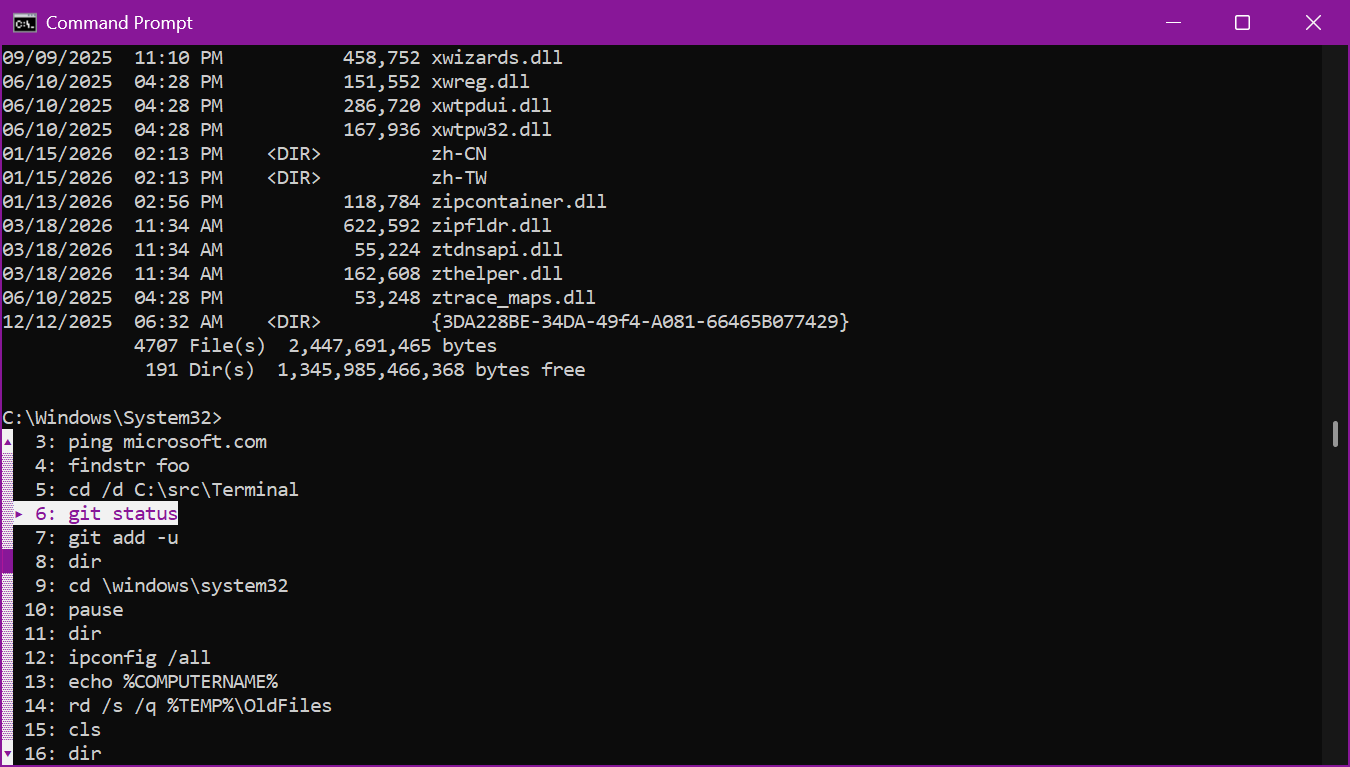
- We have also changed how the pop-up dialogs look inside the console to improve their compatibility with screen readers, assistive technologies, and other terminal emulators. This includes the F7 history window as well as the F2 and F4 line editing windows.
FEEDBACK: Please file feedback in Feedback Hub (WIN + F) under Developer Platform > Command Line.
[Authentication]
- Fixed an authentication error when trying to connect to Azure Virtual Desktop impacting Insiders in the latest Canary flights.
[Settings]
- Improved performance of configuring power options in Settings > System > Power & Battery.
[Other]
- Updated chkdsk to now support specifying volumes with spaces if you have the path encased in quotes (for example, chkdsk “C:\My Volume\SD Card”).
- Removed unexpected error message when opening Group Policy Editor in the previous two flights.
source: Windows Blogs