
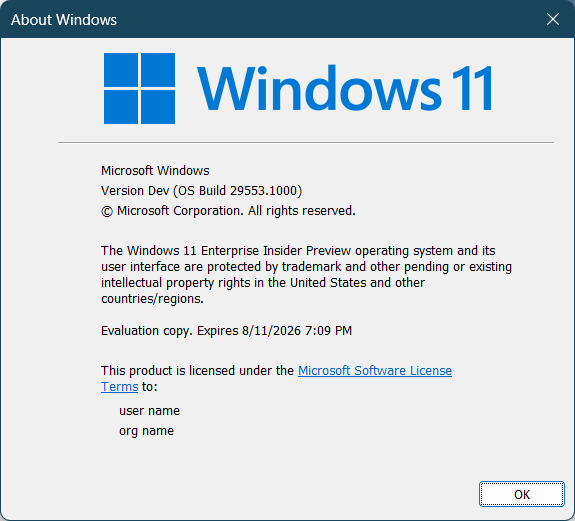
Hi all, yesterday Microsoft released Windows Insider Preview Build 29553.1000 to the Windows 11 Insider Canary Channel on the optional 29500 build series.
My Surface 13inch Snapdragon still has strange issues with the Wifi connection, WLAN AutoConfig service keeps acting up from time to time, tried refreshing the drivers, no fix (Feedback Hub: https://aka.ms/AA108g1p)
If you Feedback hub stil has the previous interface after upgrading the OS, check the Windows Store for app updates.
Happy updating!
What’s new in Canary Build 29553.1000
Changes and Improvements gradually being rolled out with toggle on*
- This update includes platform changes in moving to a new active development build.
[Feedback Hub]
Introducing the new Feedback Hub, bringing a refreshed, modernized experience available as an app update today for Insiders in Dev and Canary.
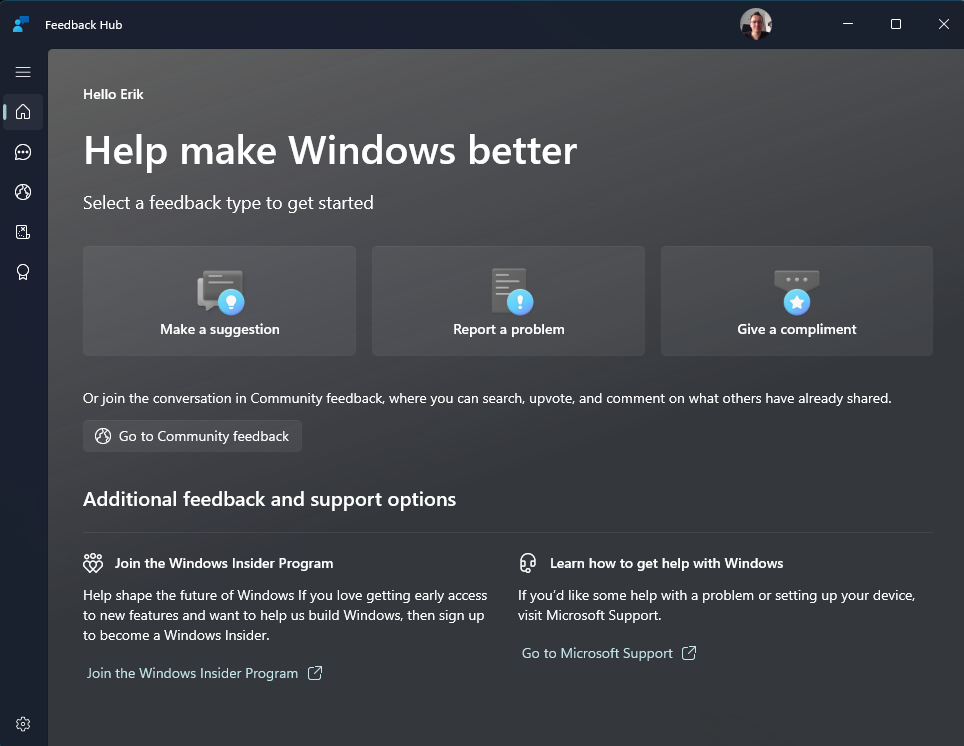
What’s new in Feedback Hub
- Simpler feedback submission flow: Feedback is now submitted using a single unified template, with the added ability to search categories. The feedback form itself has been modernized enabling for faster iteration and future improvements.
- Simpler navigation: My Feedback now lives directly in the navigation pane, and Community feedback (formerly All feedback) makes it easier to discover and engage with feedback from others. The Announcements page has been removed to focus more on giving and exploring feedback. You can still find announcements on the Windows Insider Blog.
- New compliment feedback type: Call out what’s working well.
- Private or public feedback: Choose whether your feedback is visible to the Insider community.
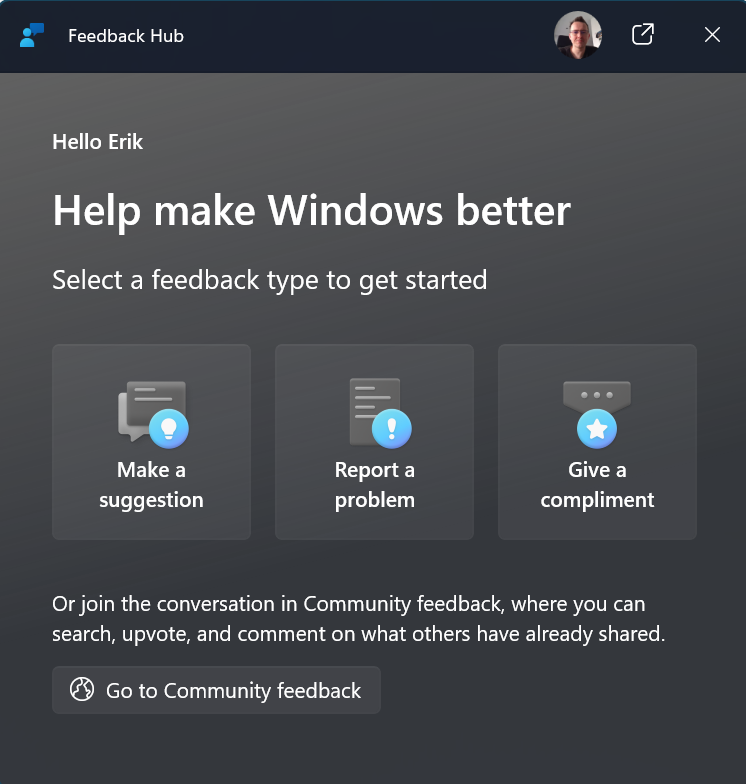
- New focused feedback experience: a new smaller Feedback Hub surface, making it easier to provide quick, in-the-moment feedback. You can expand to the full Feedback Hub experience by pressing the button in the upper right corner.
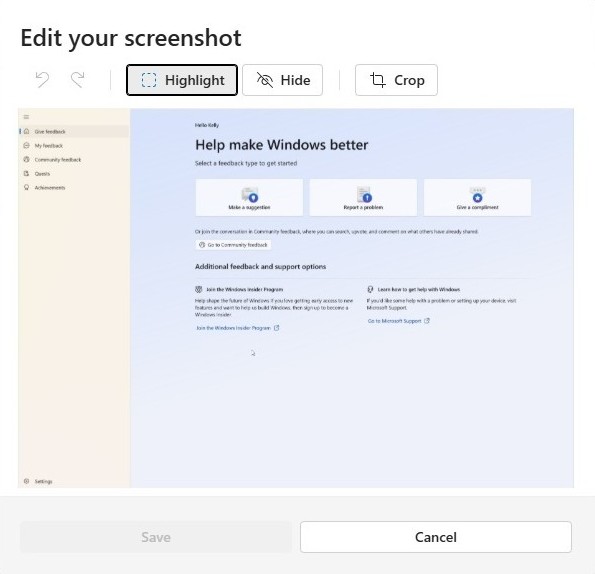
- Improved screenshot capture and review tooling: making it easier to capture and include visuals when sharing feedback.
Feedback: Your feedback helps shape what comes next, so try out the new experience and share your thoughts in Feedback Hub (WIN + F) under Apps > Feedback Hub.
source: Windows Blogs