
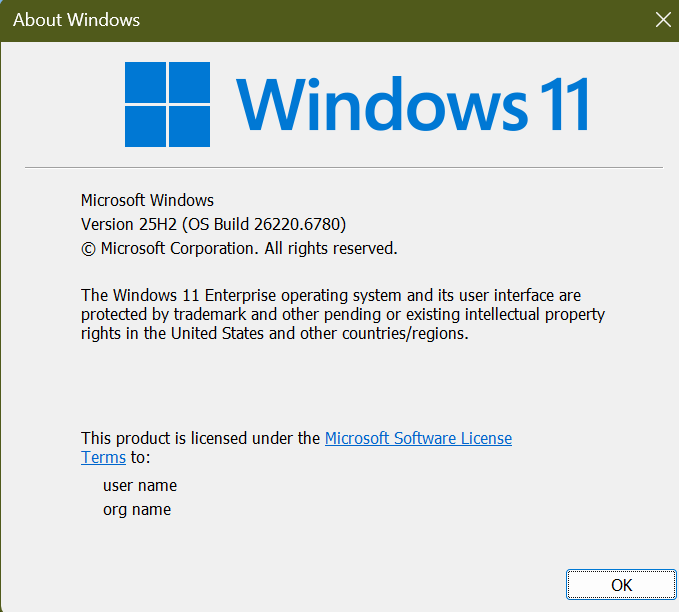
Hi all, last Friday Microsoft released Windows 11 Insider Preview Build 26220.6780 (KB5067103) to the Dev Channel.
Upgrades went quick and smooth on most of my devices
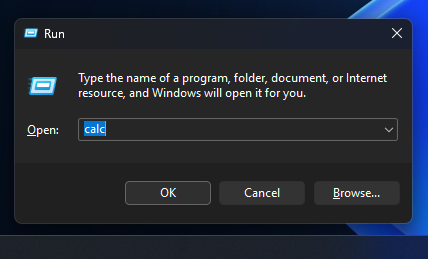
Run dialog now supports dark mode 🤩🥷
One detected issued, Settings App stops responding to input when accessing Sign-in options directly through search (FeedBack Hub: https://aka.ms/AAya0ds)
Happy Upgrades!
New features gradually being rolled out to the Dev Channel with toggle on*
[Agent in Settings]
The following changes and improvements are rolling out for agent in Settings on Copilot+ PCs:
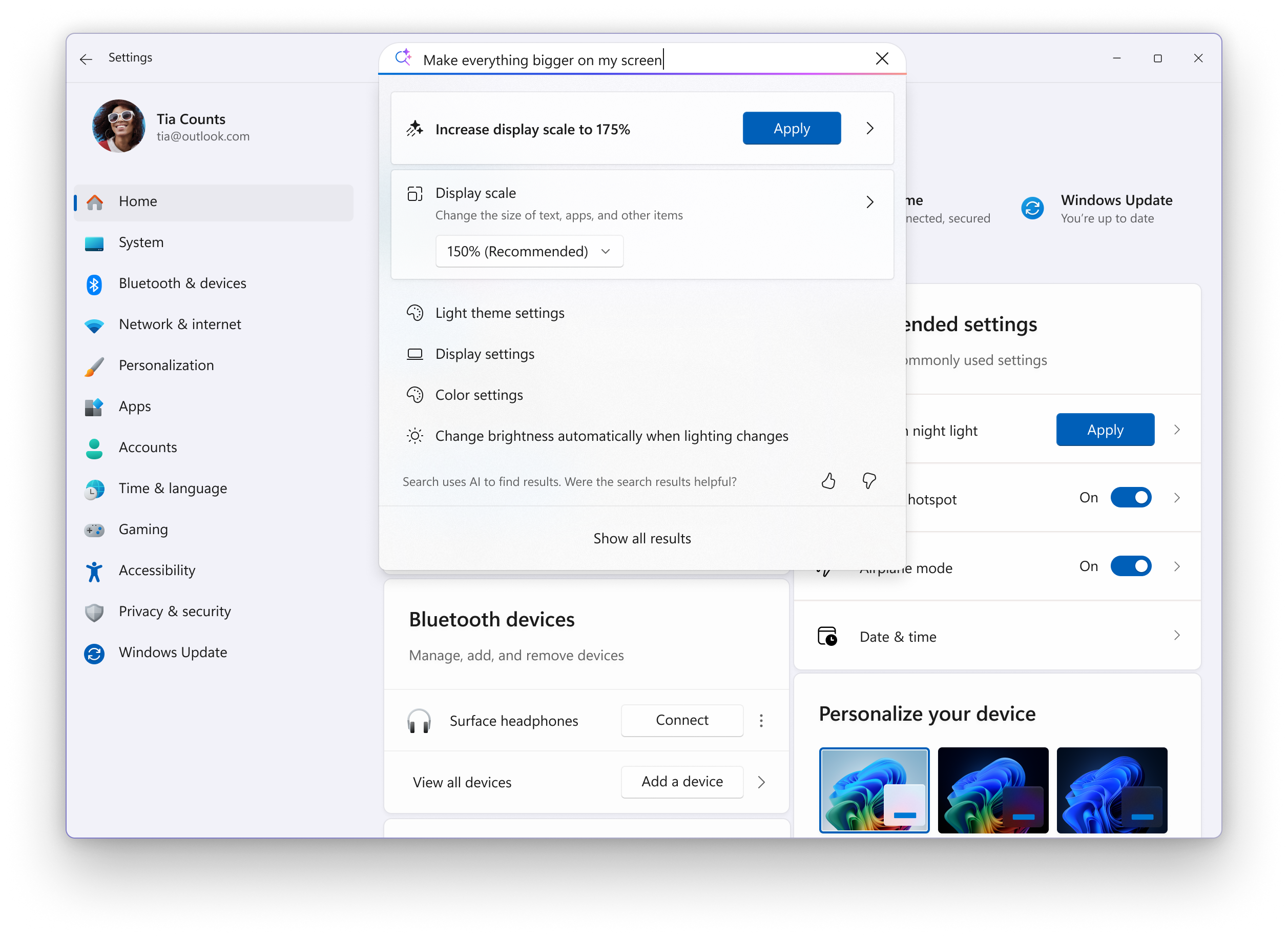
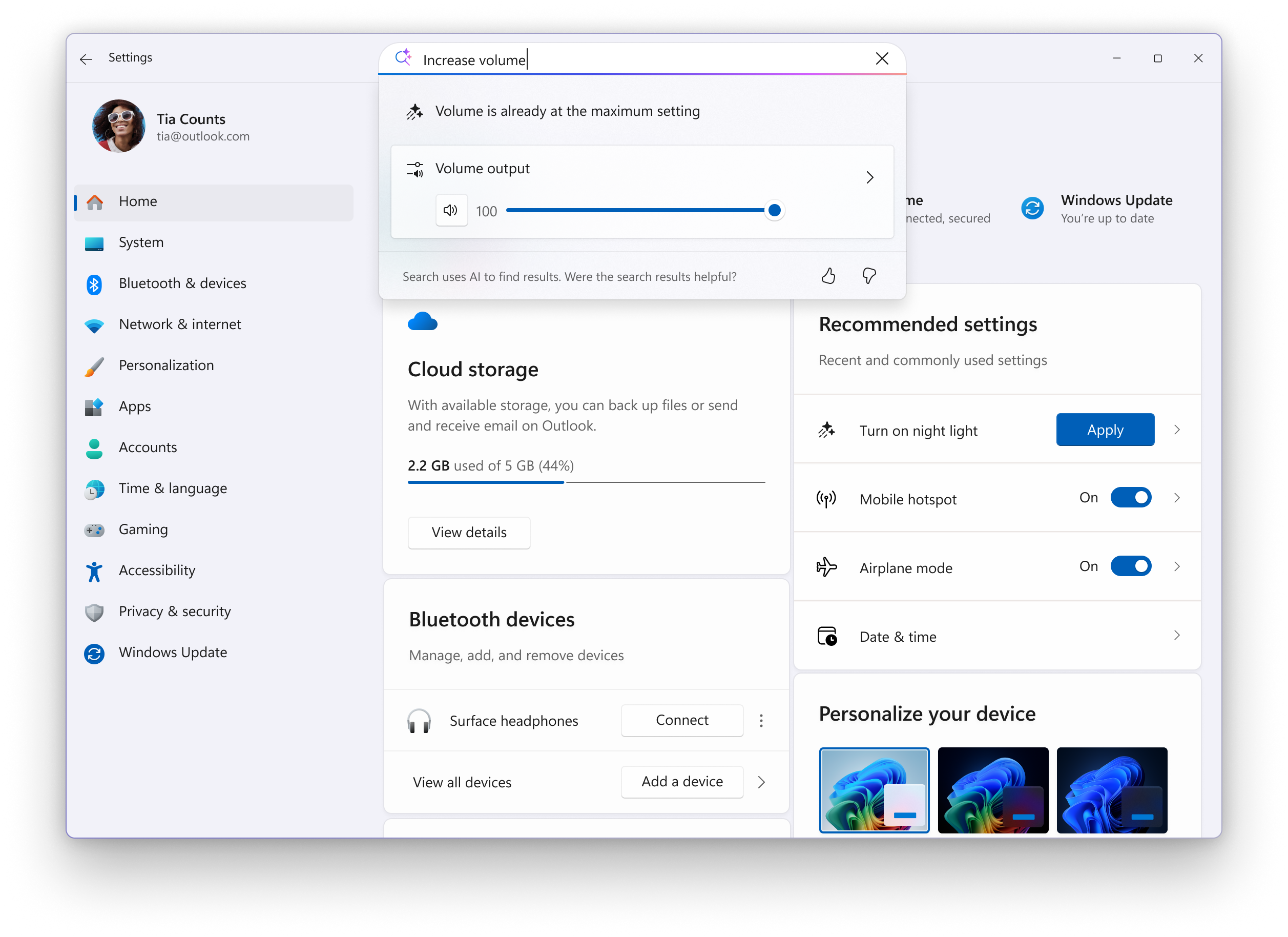
We’re introducing new experiences to make it easier to modify settings in both search and recommended settings.
Recommend Settings: Now allows for faster changes by showing an inline agent action for recently modified settings.
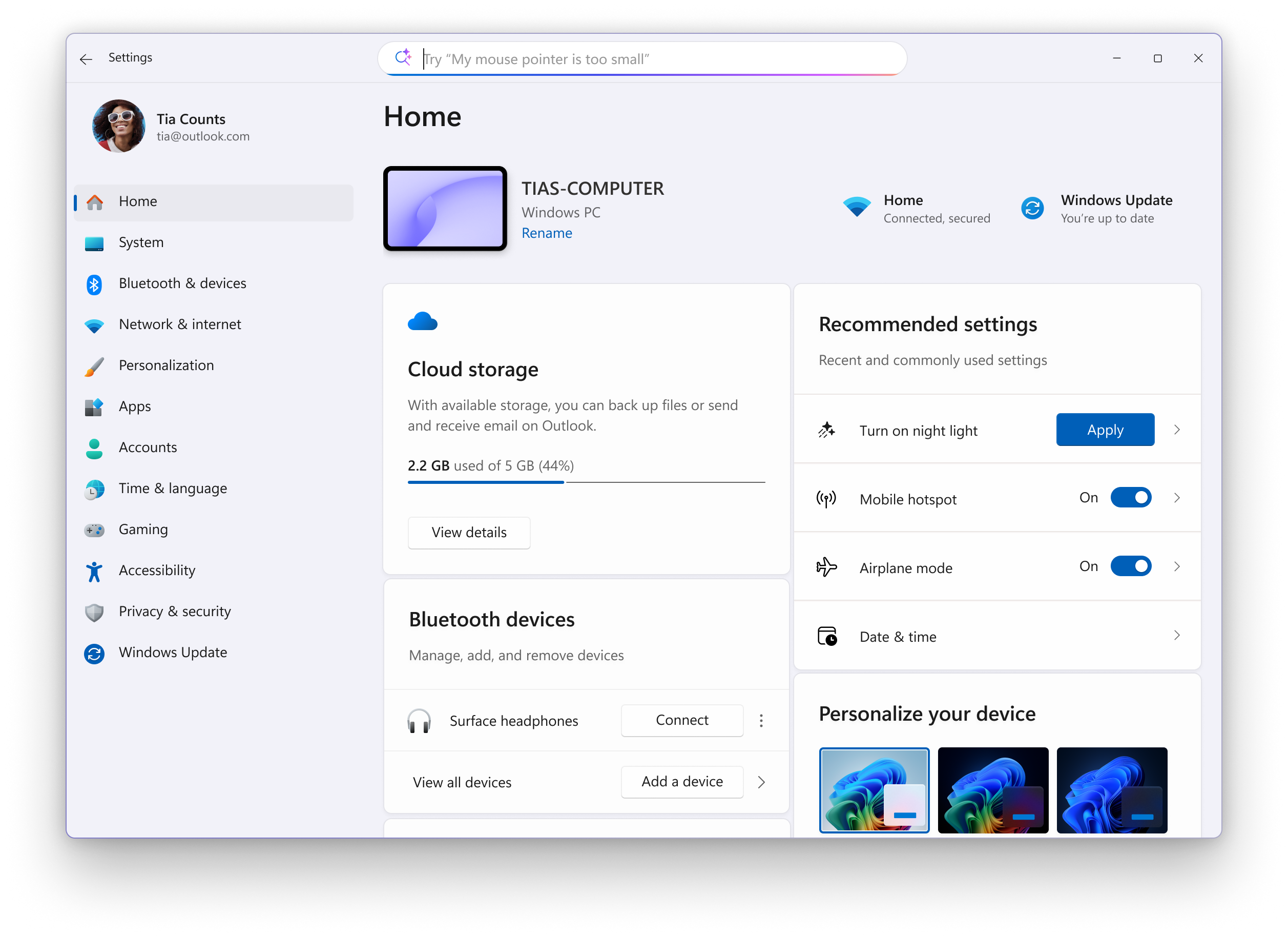
Search: We now show more available results in the search fly out to discover what you’re looking for and to allow you to quickly modify those settings. In cases where the settings can’t be adjusted further, a dialog lets you know why and provides an option to modify the settings as needed.
[Drag Tray]
- Drag Tray now supports multi-file sharing, intelligently surfaces more relevant apps, and enables seamless file movement to a chosen folder.
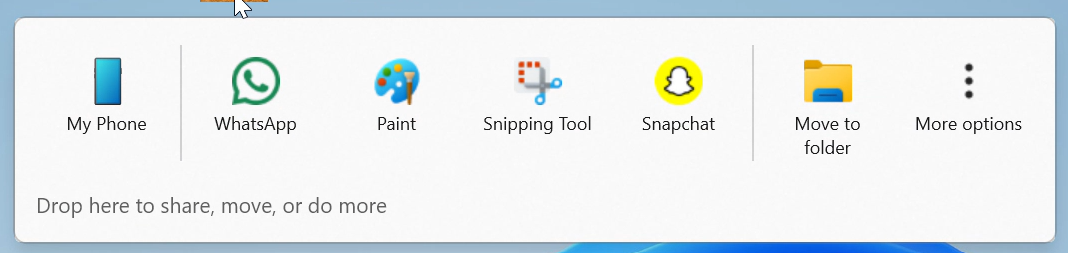
Changes and Improvements gradually being rolled out to the Dev Channel with toggle on*
[Click to Do (Preview)]
The following changes and improvements are rolling out for Click to Do on Copilot+ PCs:
- We’re making it easier to act on what matters. Visual cues now make key entities, such as emails, tables, and more, light up on your screen as you launch Click to Do. Click on these entities to discover powerful actions that help you work faster and smarter.
[Administrator Protection]
- The ability to enable Administrator Protection via Windows Security under Account protection is now available again.
[OneDrive]
- We are rolling out the new OneDrive icon in Accounts and Homepages in Settings.
[Run]
- Dark Mode: We continue to make improvements to the dark more experience in Windows 11. This week we are updating the Run dialog. [UPDATE] This change is on a very slow rollout so not many Insiders will see it right away. We plan to expand the rollout to more Insiders over the next few flights.
Fixes gradually being rolled out to the Dev Channel with toggle on*
[Click to Do (Preview)]
The following fixes are rolling out for Click to Do on Copilot+ PCs:
- Fixed an issue where launching Click to Do on your primary display via right-edge gesture would result in the swipe visuals appearing on the incorrect display.
[Taskbar & System Tray]
- Fixed an issue where pressing WIN + <number> repeatedly wasn’t cycling through the windows of an app as expected.
[File Explorer]
- Fixed an issue in the previous flight which was causing File Explorer to crash a lot for some Insiders.
[Start menu]
- Fixed an issue which was causing Start menu to unexpectedly scroll to the top when interacting with it.
- Fixed an issue where the context menu in Start wouldn’t open with touch (just immediately dismissed).
[Search]
- Fixed an issue where searches might show unexpected text instead of the expected results and images.
[Other]
- If you were experiencing a large number of apps (including browsers) crashing in the previous flight, that should no longer repro with this update.
Known issues
[Taskbar & System Tray]
- Our new animations on taskbar previews have been turned off temporarily because they were interfering with the ability to share a window from its preview, we will note when they’re brought back.
[File Explorer]
- Copy progress might flash when clicking more or less details in dark mode version of the copy dialog.
- Scrollbar and footer are missing and showing a white block instead when text is scaled in dark mode version of the copy dialog.
[Xbox Controller]
- Some Insiders are experiencing an issue where using their Xbox Controller via Bluetooth is causing their PC to bugcheck. Here is how to resolve the issue. Open Device Manager by searching for it via the search box on your taskbar. Once Device Manager is open, click on “View” and then “Devices by Driver”. Find the driver named “oemXXX.inf (XboxGameControllerDriver.inf)” where the “XXX” will be a specific number on your PC. Right-click on that driver and click “Uninstall”.
source: Windows Blogs